
Friendly reminder before each appointment
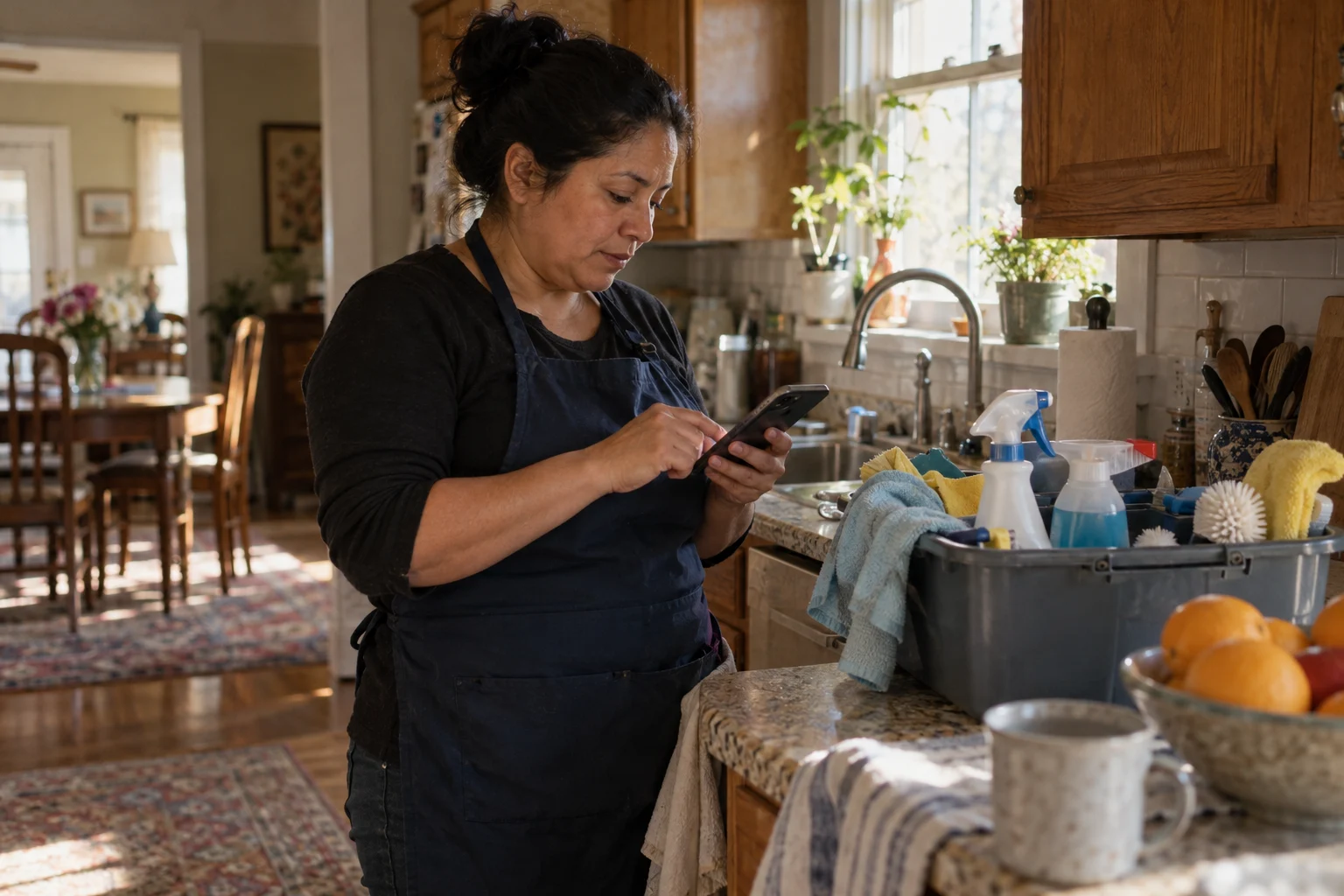
Automatic appointment reminders for a small business are short, friendly emails that go out before each visit, in your voice, from your own calendar. The client can confirm or reply to move the time, so you hear about changes early instead of at a locked door.
You blocked out the morning. You loaded the van. You drove across town. And nobody answered the door.
It happens to almost every small business that visits homes or has people come in. Usually the client didn't mean to waste your time. They forgot, or something came up and they didn't think to tell you. Either way, you lose the trip and the time slot.
Here's a small, steady fix: a friendly reminder before each appointment.
How do automatic appointment reminders work?
Before each appointment, a short reminder goes out by email in your voice. It tells the client when you're coming, and it gives them an easy way to confirm or move the time. If they need to move it, they just reply, instead of not showing up.
It works with tools you may already use, like Google Calendar and Gmail. When an appointment is on your calendar, the reminder knows when to go out. You don't have to remember to send it.
What does it look like for a house cleaning business?
Picture Rosa, who runs a small house cleaning business with three cleaners. Most of her clients book every two weeks, and a few book one-time deep cleans.
Before: Rosa sends reminders herself when she can, usually late at night from her phone. Some weeks she forgets. When a client forgets too, her cleaner shows up to a locked door. Then Rosa spends the next morning apologizing to the cleaner, calling the client, and trying to fill the gap.
After: The day before each cleaning, the client gets a short note from Rosa's business email. Something like: "Hi Janet, just a reminder that we'll be there tomorrow at 9 for your cleaning. If that time no longer works, just reply and let us know." Janet realizes she has a doctor's visit and replies asking for Thursday. Rosa sees it that afternoon and moves the cleaning. She finds out ahead of time, not at the front door.
Rosa still runs her schedule. She's just not the only reminder system her business has anymore.
Will reminders lose my personal touch?
If you're wary of AI, you might worry about losing the personal touch. That's fair. Here's what doesn't change:
- You okay the wording. You read the reminder before anything is turned on. If it sounds stiff or not like you, we change it until it does.
- Your schedule is still yours. The reminder works from your calendar. It doesn't book new jobs on its own or change your prices.
- You handle anything unusual. If a client writes back with a question, a complaint, or a special request, that comes to you.
- You can leave people out. If a client would rather not get reminders, you can skip them.
Do reminders really cut down on no-shows?
A reminder is one of the simplest things a business can do. It's also one of the easiest to forget when you're busy. Doing it every time, in a warm voice, tells clients you're organized. Giving them an easy way to ask for a new time means you hear about changes early, while you can still do something about it.
It also means one less thing to keep track of at 10 at night.
How do I get started?
You don't need any tech skills, and you don't need to know which tools to use. Here is how it usually goes:
- Tell us what slows you down. If no-shows or late cancels are a headache, say so.
- Send a few messages you've already written. We use them so the reminder sounds like you.
- Get your first reply set up. You see the reminder before anything is turned on. Nothing starts until you say so.
- A quick 15-minute call. If you want to go ahead, we walk you through it together.
You can see this and other scheduling helpers on our Where to start page. If you have questions about cost or whether it will work with what you already use, our Questions page has plain answers.
A soft next step
If you've had even one wasted trip this month, a reminder might be a good first thing to hand off. Send Nick an email at nick@greaterresults.com and tell him how you book appointments today. He'll tell you honestly whether it makes sense for your business.