
Receipt filed to your expense folder
The easiest way to organize receipts for your bookkeeper is to have every emailed receipt saved into a folder for that month, in your own Google Drive, as it arrives. Paper receipts get a quick photo emailed to yourself first. At month end the folder is ready, and nobody has to go hunting.
It's the end of the month. Or worse, tax time. Your bookkeeper asks for last month's receipts. You open your inbox and start searching. Supply house, gas, the tool you ordered online, the software bill. Some are there. Some you can't find. One is a photo somewhere on your phone.
Most small business owners don't hate their work. They hate this part.
Here's one quiet helper that takes some of that hunting away: receipt filed to your expense folder.
How does a monthly receipt folder work?
Receipts that come to you by email, or that you forward to yourself, get saved into a folder for the month in Google Drive. By the end of the month, they're already in one place, ready for whoever does your books.
There are two honest limits worth knowing up front. The receipt has to come in by email, so a paper receipt needs a quick photo emailed to yourself first. And this doesn't enter anything into QuickBooks or any other accounting program. Your bookkeeper, or you, still does that part. What changes is that nobody has to go looking.
What does it look like for a landscaping company?
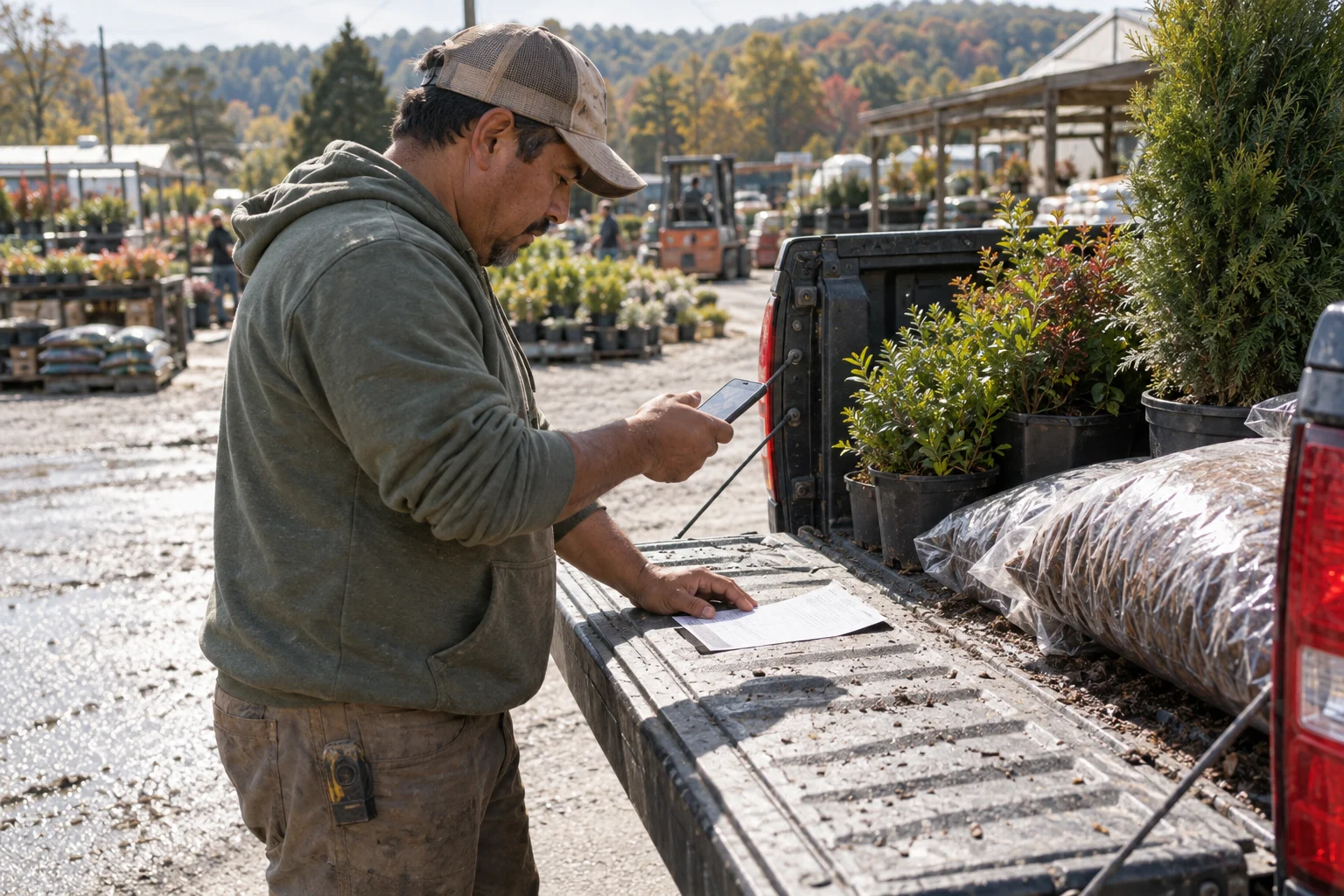
Picture Carlos, who runs a small landscaping company with a crew of four. He buys mulch, plants, fuel, and parts nearly every week, and his receipts come from all over: supplier emails, online orders, and paper slips from the nursery.
Before: Carlos's receipts live in his inbox, his truck, and his phone's photo roll. Once a month his bookkeeper sends a list of what's missing. Carlos spends a Sunday afternoon searching his email and digging through the glove box. A few never turn up.
After: Supplier receipts that land in Carlos's Gmail get saved into the folder for that month in his Google Drive. When he gets a paper slip, he snaps a photo and emails it to himself before he leaves the parking lot, and it gets filed the same way. When the month ends, his bookkeeper already has a folder to look at. Carlos gets his Sunday back.
He still decides what counts as a business expense. His bookkeeper still does the books. The receipts are simply where they should be.
Does it touch my money or my accounting software?
If you're wary of letting AI near your money, that's a good instinct. Here's what doesn't change:
- Your money decisions stay with you. Nothing gets paid, approved, or entered into your accounting software.
- Your bookkeeper still does the books. This just gets the receipts to one place so they're easier to work with.
- Your files stay in your own Google Drive. You can see everything that was saved, move it, or delete it.
- You choose what gets filed. We set it up around the senders and emails you point us to.
Why does a receipt folder make a difference?
Lost receipts cost owners time, and sometimes they cost real money when an expense can't be backed up. Having every emailed receipt saved as it arrives, sorted by month, turns a stressful search into a quick look. It's not glamorous. But it's the kind of change you notice right away.
How do I get started?
You don't need to know anything about bookkeeping software or folders. Here is how it usually goes:
- Tell us what slows you down. If month-end receipts are a pain, say so.
- Show us where receipts come from. A few examples of the emails you get from suppliers is enough.
- See how it would work. We explain what gets saved and where before anything is turned on. Nothing starts until you say so.
- A quick 15-minute call. If you want to go ahead, we walk you through it together.
Many owners pair this with a monthly folder ready for your bookkeeper, which gathers last month's invoices and receipts at the start of each month. You can see both under the admin helpers on our Where to start page, and find plain answers about cost on our Questions page.
A soft next step
If you have ever spent a weekend hunting for receipts, this may be the easiest thing to hand off first. Send Nick an email at nick@greaterresults.com and tell him where your receipts end up today. He'll tell you honestly whether this would help.